12 Best In-App User Behavior Analytics Tools (2026)

.webp)
.webp)
.webp)


In-app user behavior analytics tools help product teams analyze how users interact with features, flows, and events inside their product. This guide compares the best in-app behavior analysis tools for 2026.
In today's competitive SaaS landscape, guessing what users want is a recipe for failure. To build products that win, you need to see exactly how users interact with your platform: where they get stuck, what features they love, and what drives them to convert or churn. This is where user behavior analytics tools become essential. They move you from assumptions to data-driven insights, allowing you to optimize every step of the customer journey with precision.
These platforms help you answer critical questions that traditional analytics can't, like "Why did our new signups drop off after the tutorial?" or "Which user segment gets the most value from our advanced features?" Understanding this "why" is the key to improving activation rates, reducing churn, and increasing lifetime value. To truly understand your users and improve retention, consider key mobile onboarding best practices that directly impact initial user engagement.
This guide cuts through the marketing noise to analyze the 12 best user behavior analytics tools available today. We'll dive deep into each platform, comparing core features, pricing models, and ideal use cases to help you find the perfect solution for your team. Each review includes screenshots and direct links, giving you everything needed to make a confident decision and start building better products.
1. Amplitude
Amplitude is a premier digital analytics platform that goes beyond simple page views, positioning itself as a comprehensive product intelligence solution. It excels at helping product, marketing, and growth teams understand the entire customer journey by connecting user actions to business outcomes. Unlike traditional analytics tools that often focus on surface-level metrics, Amplitude is one of the best user behavior analytics tools for deep, event-based analysis, allowing you to see exactly how users interact with your product features over time.

This platform is particularly powerful for creating behavioral cohorts to analyze retention, building detailed conversion funnels, and understanding user paths. Its interface is robust yet intuitive, making complex data queries accessible without needing to write SQL. For teams looking to not only analyze behavior but also act on it, Amplitude's integrated Experiment and new Feature Management products offer a complete A/B testing and feature flagging suite within the same ecosystem.
Key Features & Considerations
- Event-Based Analytics: Deeply analyzes user actions through funnels, retention charts, and behavioral cohorts.
- Integrated Product Suite: Offers Session Replay, A/B Testing (Experiment), and Feature Management tools for a unified workflow.
- Generous Free Tier: Provides a powerful free plan for startups and small teams, making it accessible to get started.
Pros
- Strong focus on product analytics and user journeys.
- Generous free tier is excellent for new projects.
- Scales effectively from startups to large enterprises.
Cons
- Pricing based on Monthly Tracked Users (MTUs) can become complex to forecast.
- Advanced features require upgrading to more expensive 'Plus' or 'Growth' tiers.
- Can have a steeper learning curve compared to simpler analytics platforms.
Website: https://www.amplitude.com
2. Mixpanel
Mixpanel is a powerful, event-based analytics platform designed for product teams that need rapid, real-time insights into user behavior. It excels at answering complex "why" questions behind user actions, moving beyond vanity metrics to focus on conversion, retention, and engagement. As one of the most established user behavior analytics tools, it is renowned for its speed in ad-hoc analysis, allowing teams to build funnels, segment users into behavioral cohorts, and analyze user flows on the fly.
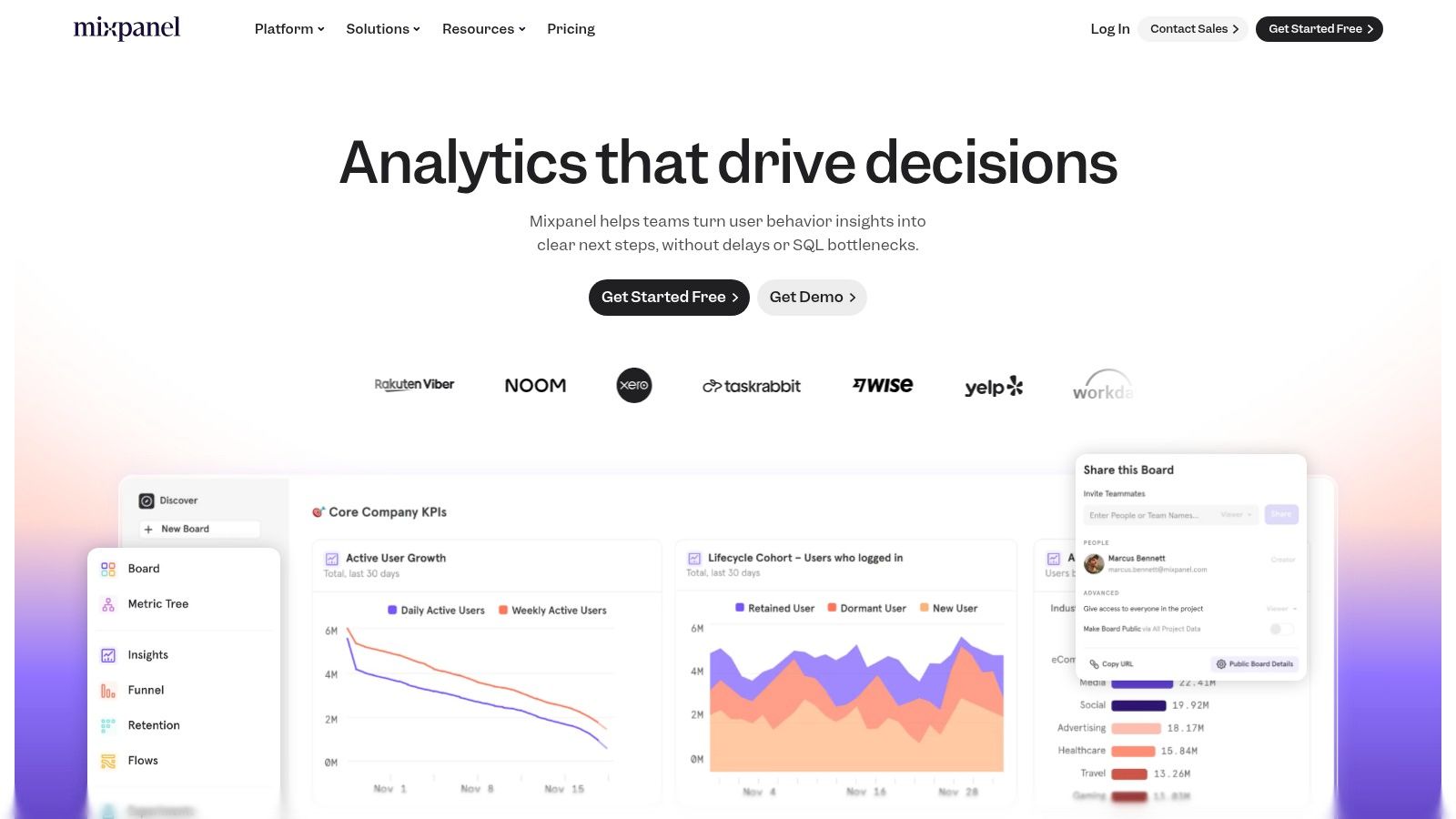
The platform is built to empower product-led growth (PLG) teams with features like guided AI answers and strong data governance to ensure insights are both accessible and trustworthy. A key differentiator is its practical, event-based pricing model, which is often more predictable for high-traffic products than user-based models. With its Data Pipelines add-on, Mixpanel also integrates smoothly into a modern data stack, syncing with warehouses like Snowflake or BigQuery for a unified view of customer data.
Key Features & Considerations
- Real-Time Event Analytics: Offers high-speed reporting for funnels, flows, retention, and behavioral cohorts.
- Usage-Based Pricing: Provides a clear, event-based pricing model with an optional MTU plan for enterprise needs.
- Guided Insights & Governance: Includes AI-powered tools to guide analysis and features to maintain data quality.
Pros
- Free plan and a 30-day 'reverse trial' for paid features.
- Clear event-based billing is easy to forecast.
- Mature reporting ideal for product-led growth (PLG) teams.
Cons
- Advanced features like data pipelines and SSO are gated to higher plans.
- The MTU-based enterprise plan can have a high entry point and is sales-led.
- Can be more complex to set up initially compared to all-in-one solutions.
Website: https://www.mixpanel.com
3. Heap (by Contentsquare)
Heap stands out in the crowded analytics space with its "autocapture" technology, a powerful approach that automatically collects all user interactions from the moment the tracking snippet is installed. This means you don't need to define events in advance, allowing you to retroactively analyze behaviors you hadn't anticipated. As one of the most flexible user behavior analytics tools, Heap empowers teams to ask new questions about past user data without waiting for engineering resources to implement new tracking.
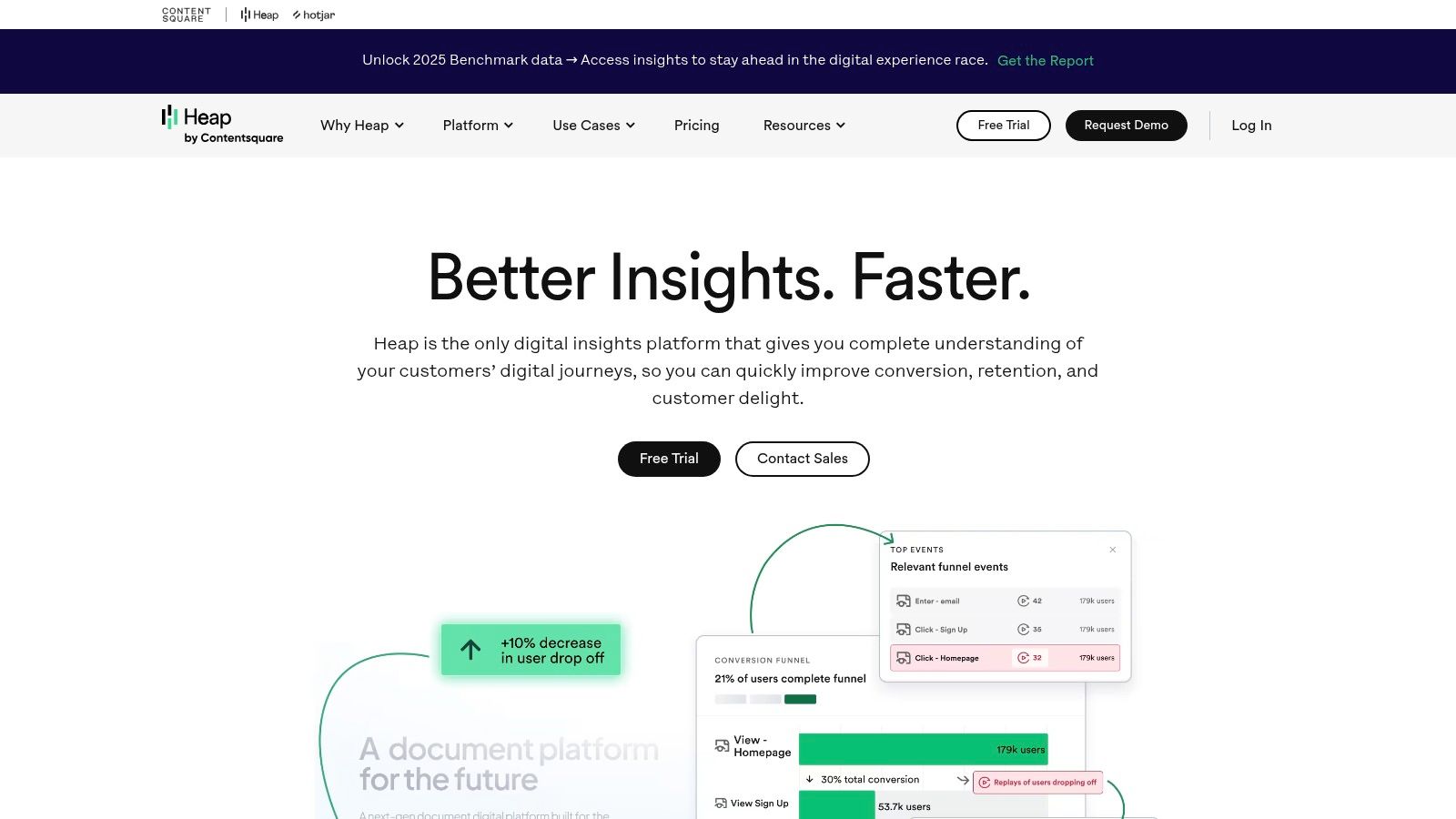
This platform is especially valuable for product and marketing teams that need to move quickly and iterate without being blocked by coding dependencies. With features like Journeys, funnels, and an engagement matrix, you can visualize complete user paths and identify friction points on the fly. Its B2B capabilities are also robust, offering account-level analytics to understand how entire organizations engage with your product. For those interested in a deeper look, you can learn more about its capabilities as one of several website visitor tracking tools.
Key Features & Considerations
- Automatic Data Capture: Captures every user event (clicks, swipes, form fills) without manual tagging for retroactive analysis.
- Account-Level Analytics: Provides strong B2B features for understanding usage patterns across entire customer accounts.
- Visual Event Definition: Allows non-technical users to define and label events directly from the product interface.
Pros
- Autocapture significantly shortens time-to-value.
- A generous free tier is suitable for initial validation.
- Strong B2B and account-level analytics options.
Cons
- Pricing is opaque above the free and entry tiers; requires a sales call.
- The free plan has session and data history limits that may be restrictive.
- Autocaptured data can sometimes feel overwhelming to organize initially.
Website: https://heap.io
4. FullStory
FullStory is a digital experience intelligence (DXI) platform renowned for its high-fidelity session replay capabilities, which it combines with powerful analytics. It stands out by automatically capturing every user interaction on a website or app without manual tagging, providing a complete, retroactive dataset. This makes it one of the most effective user behavior analytics tools for teams who need to understand the "why" behind user actions, diagnose bugs, and identify friction points with pixel-perfect clarity.
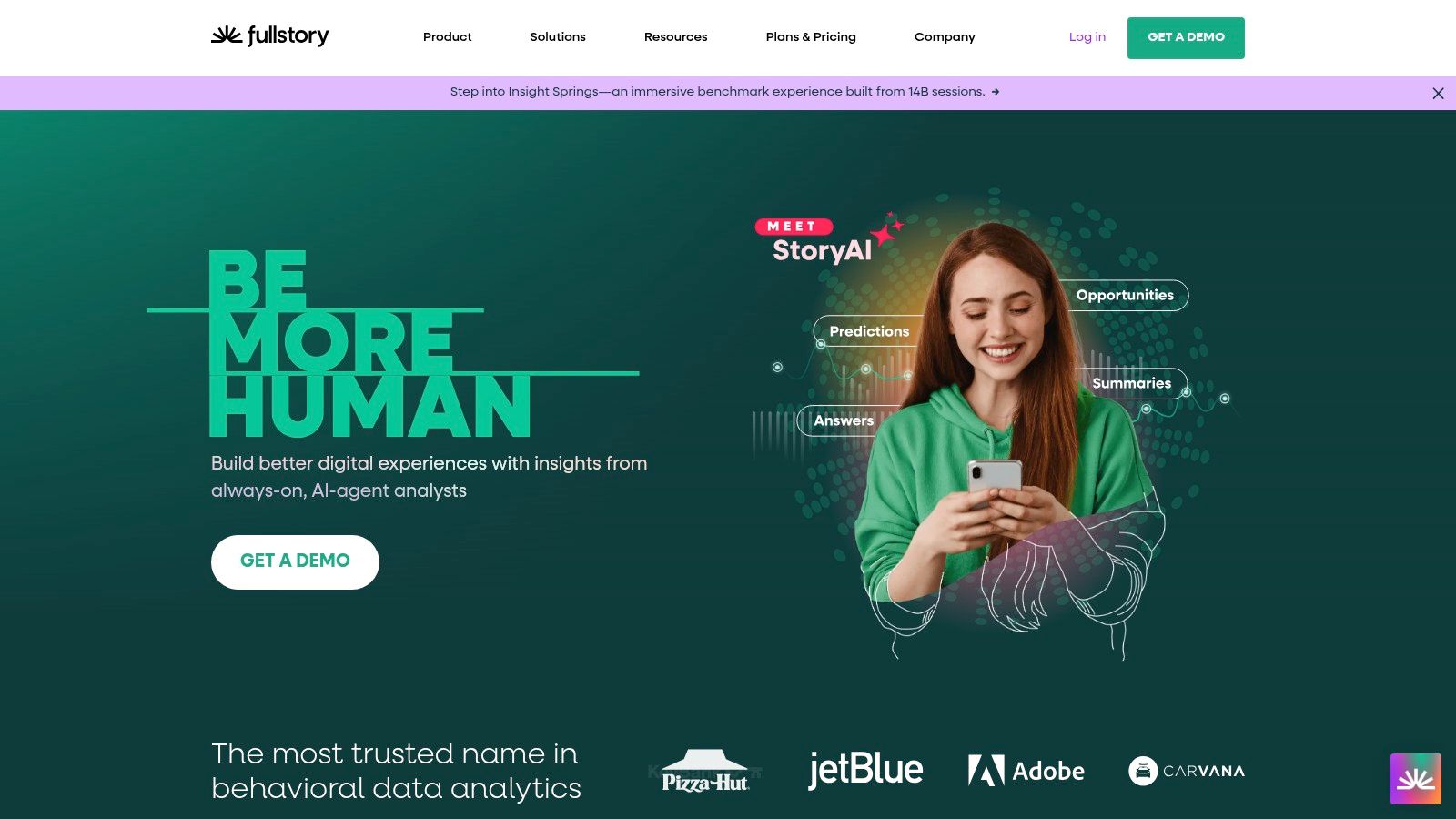
The platform goes beyond simple replay by layering quantitative data like funnels, trends, and heatmaps directly on top of qualitative insights. Its advanced filtering and segmentation allow product, engineering, and support teams to quickly find relevant sessions related to specific bugs, rage clicks, or user segments. With enterprise-grade privacy controls and an AI assistant, FullStory empowers organizations to proactively improve their digital experience at scale.
Key Features & Considerations
- Autocapture & Replay: Captures all user events automatically for flawless session playback and retroactive analysis.
- Digital Experience Intelligence: Combines qualitative replays with quantitative data like funnels, heatmaps, and friction signals.
- Enterprise-Ready: Offers robust privacy controls, governance, and mobile SDKs for comprehensive cross-platform analysis.
Pros
- Industry-leading session replay quality and friction detection.
- A free plan is available to get started and test the platform.
- Excellent for cross-functional collaboration (product, engineering, support).
Cons
- Most pricing plans are sales-led and can be premium for large-scale use.
- The depth of features may require dedicated onboarding or services to maximize value.
- Autocapture can collect a vast amount of data, requiring careful management.
Website: https://www.fullstory.com
5. PostHog
PostHog is a powerful, open-core product analytics suite designed with developers in mind. It offers a comprehensive, all-in-one platform that includes product analytics, session replay, feature flags, A/B testing, and even surveys, consolidating tools that are often purchased separately. As one of the most flexible user behavior analytics tools, its key differentiator is its deployment model: you can use their cloud version or self-host the entire platform for maximum data control and privacy.
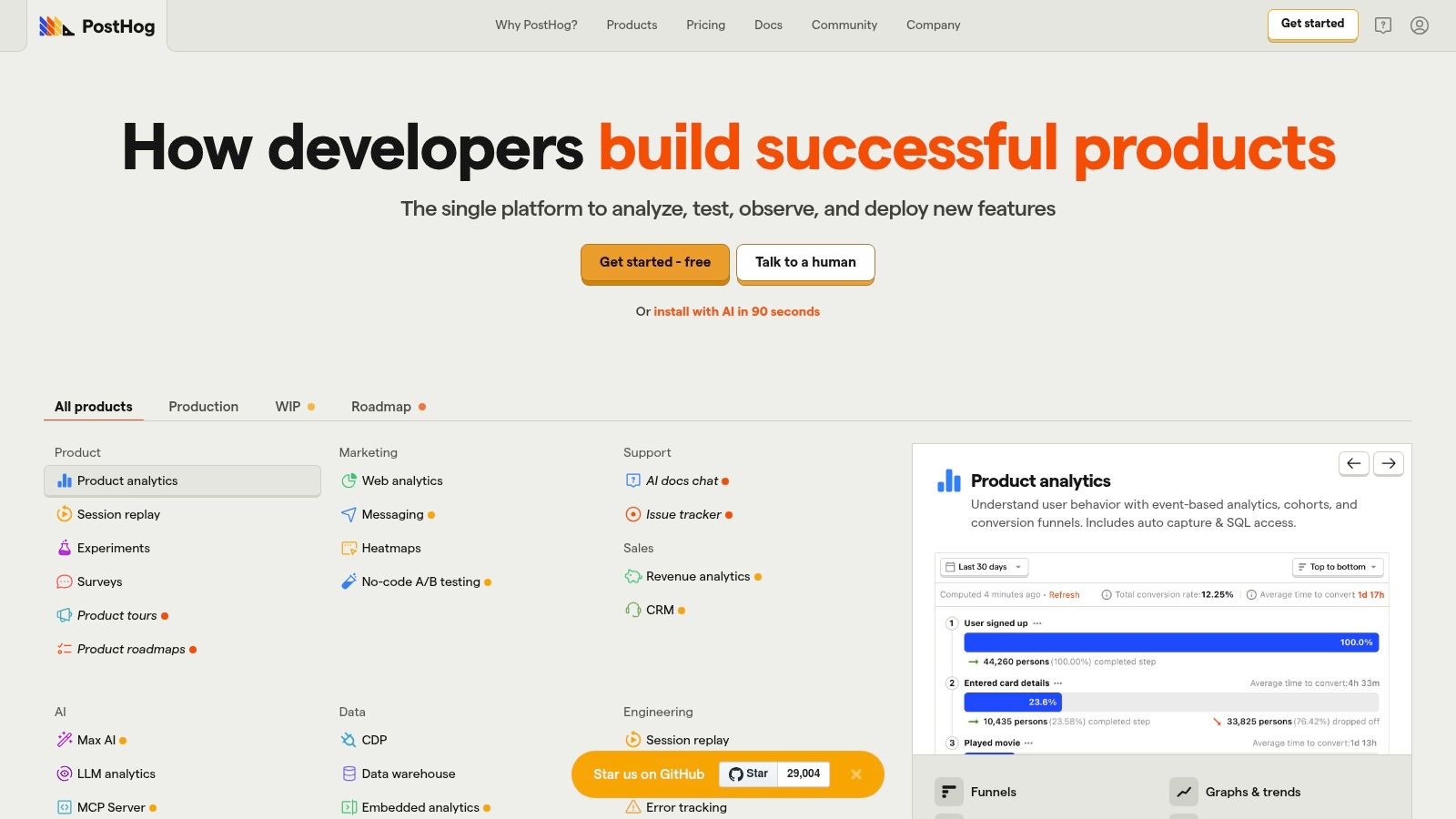
This approach makes PostHog particularly appealing for engineering-led teams and organizations prioritizing data ownership. Its integrated toolset enables a seamless workflow from analyzing user behavior to deploying a new feature flag or experiment based on those insights. This tight integration is a core component for companies practicing a product-led growth strategy. The platform's usage-based pricing and generous free tiers for each product remove significant barriers to entry for startups.
Key Features & Considerations
- All-in-One Platform: Combines analytics, session replay, feature flags, A/B testing, and surveys into a single product.
- Deployment Flexibility: Offers both a managed cloud service and a self-hostable open-source version for complete data control.
- Developer-Centric: Built with a strong focus on engineering workflows, transparency, and an open-source ethos.
Pros
- Free tier is generous across all products (>1M events/month).
- Self-hosting option provides ultimate data privacy and control.
- No long-term contracts and the ability to set billing caps.
Cons
- The comprehensive product menu can become costly at high volumes.
- DIY implementation for self-hosting may require dedicated engineering time.
- Can be more complex to manage than single-purpose analytics tools.
Website: https://posthog.com
6. Pendo
Pendo is a comprehensive product experience platform that uniquely combines quantitative analytics with qualitative feedback and in-app user guidance. It’s designed not just to help teams understand what users are doing, but to actively influence that behavior to improve adoption, retention, and customer satisfaction. While many platforms focus solely on analysis, Pendo stands out by integrating powerful tools for onboarding, surveys, and feature announcements directly within your application.
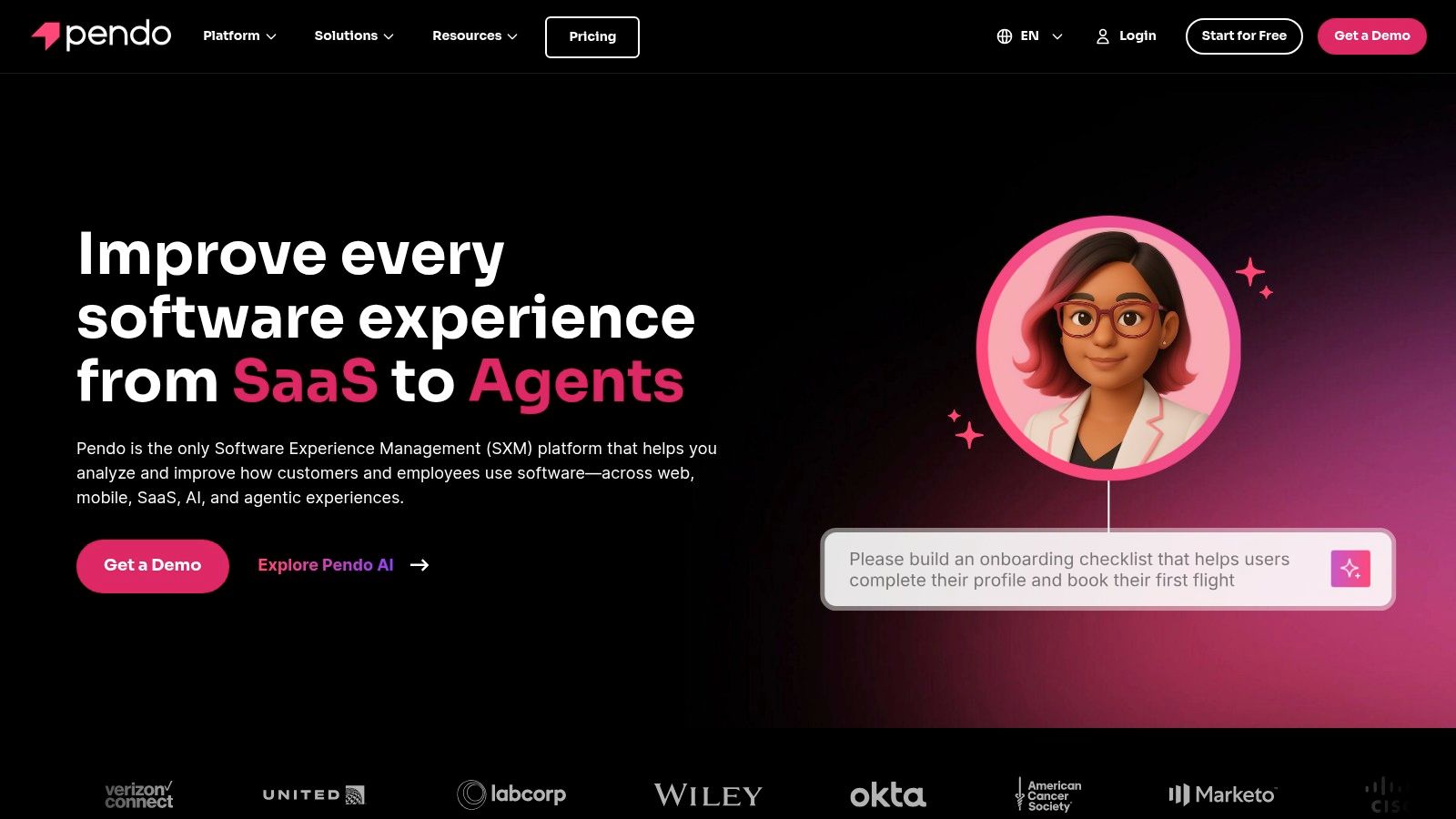
This "measure and act" approach makes Pendo one of the most effective user behavior analytics tools for product managers and customer success teams who need to close the loop between insight and action. You can identify where users struggle via analytics and immediately deploy an in-app guide to help them, all without writing new code. Its ability to collect feedback, manage roadmaps, and orchestrate user journeys makes it a powerful, centralized solution for larger organizations focused on product-led growth.
Key Features & Considerations
- Integrated In-App Guidance: Combine analytics with the ability to deploy guides, tooltips, and surveys to influence user behavior.
- Feedback & Roadmapping: Collect user feedback and connect it directly to feature planning and prioritization within the platform.
- Enterprise-Ready: Built to scale with features for governance and robust support, making it suitable for large, complex organizations.
Pros
- Strong integrated platform for both analyzing and influencing behavior.
- Excellent for creating user onboarding flows and driving feature adoption.
- Scales effectively with robust governance for large enterprise teams.
Cons
- Pricing is not public and is generally positioned at a higher price point.
- Often requires multi-year commitments and may have significant price escalations upon renewal.
- The pure analytics capabilities may not be as deep as specialized competitors like Amplitude.
Website: https://www.pendo.io
7. Contentsquare
Contentsquare is an enterprise-grade digital experience analytics platform designed for large-scale businesses needing a granular view of online customer behavior. It moves beyond traditional analytics by offering a suite of tools focused on visualizing and quantifying every aspect of the user journey. As one of the more advanced user behavior analytics tools, it excels at turning complex interaction data into actionable insights through its AI-driven engine and unique visualization features.
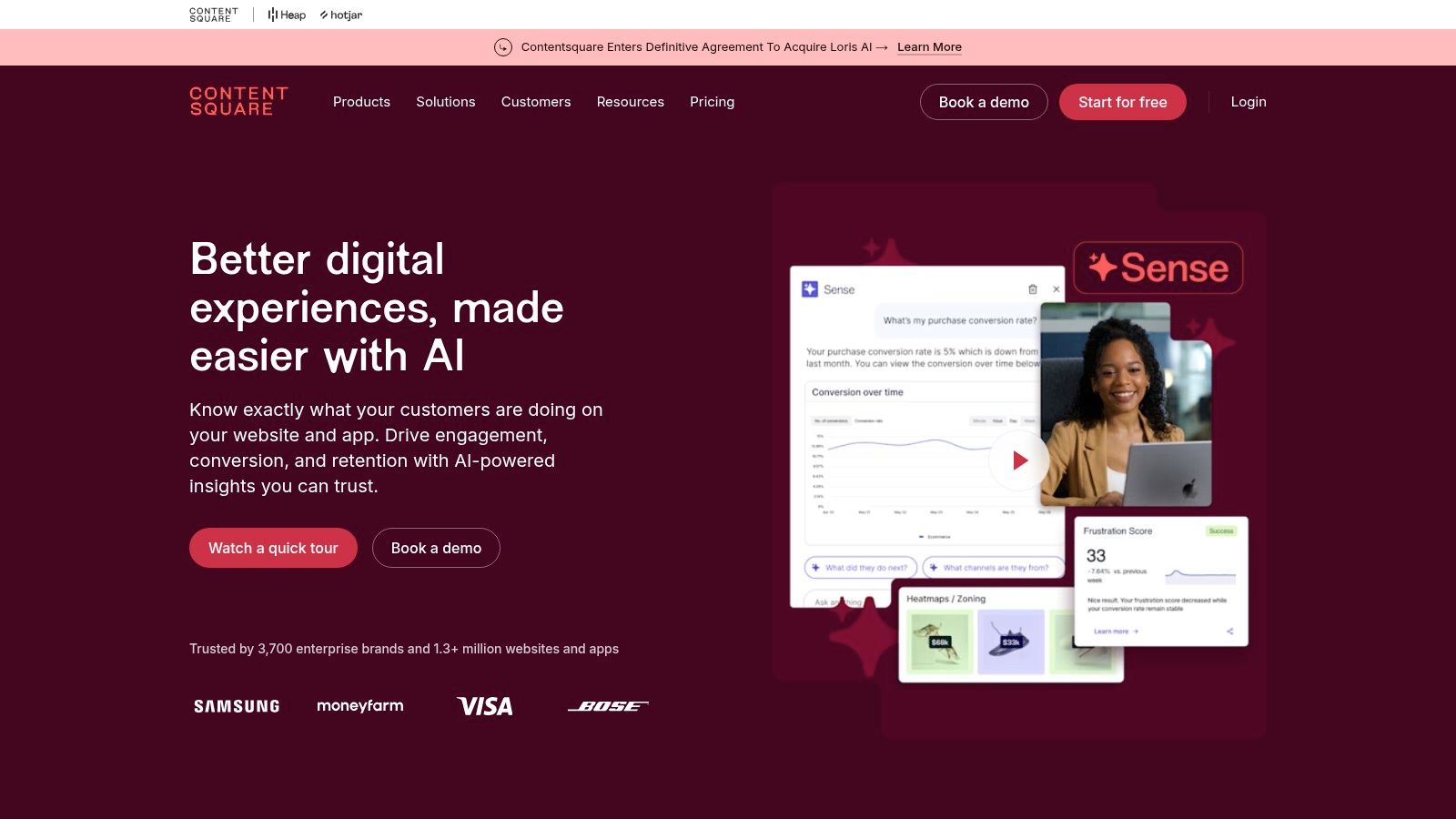
The platform is particularly known for its zone-based heatmaps, which provide aggregated behavioral metrics for every element on a page without requiring manual tagging. Combined with session replay, AI-powered insights, and detailed journey analysis, Contentsquare helps teams understand not just what users are doing, but why. Its acquisition of Hotjar also positions it as a comprehensive solution, providing a clear migration path for growing teams that need more robust enterprise capabilities for their customer journey optimisation.
Key Features & Considerations
- Zone-Based Heatmaps: Automatically analyzes every element on a page to show engagement metrics like click rate, hesitation time, and scroll reach.
- AI-Driven Insights: Proactively surfaces user friction points, technical errors, and opportunities for conversion improvement.
- Impact Quantification: Helps teams prioritize fixes and optimizations by estimating the potential revenue impact of specific UX issues.
Pros
- Deep enterprise features for complex customer journeys.
- Strong analytics depth across web and mobile.
- Defined migration path for Hotjar customers.
Cons
- Pricing is sales-led and generally enterprise-level.
- May be too complex or overkill for smaller teams.
- Can have a significant learning curve to master all features.
Website: https://contentsquare.com
8. Glassbox
Glassbox is a digital experience intelligence platform designed for enterprises, particularly those in regulated industries like finance, healthcare, and insurance. It provides a highly detailed, pixel-perfect view of every user session, combining session replay with journey mapping and performance analytics. Where many platforms focus solely on product or marketing insights, Glassbox extends its capabilities to include fraud detection, compliance, and even call center integration, making it one of the most versatile user behavior analytics tools for complex organizations.

This platform excels at providing a single source of truth for digital interactions, capturing 100% of session data without sampling. Its flexible deployment options, including on-premises and hybrid cloud, cater to strict data residency and security requirements. For teams needing to diagnose technical issues, optimize conversions, and ensure regulatory adherence simultaneously, Glassbox offers a unified solution that connects digital experience to broader business operations.
Key Features & Considerations
- Comprehensive Session Replay: Captures every interaction with high fidelity for complete visibility.
- Journey & Funnel Analysis: Maps user paths and identifies drop-off points in critical conversion flows.
- Enterprise-Grade Compliance: Offers flexible deployment options (cloud, hybrid, on-premises) to meet security and data governance needs.
- Industry-Specific Add-ons: Provides specialized modules for fraud detection, accessibility compliance, and more.
Pros
- Flexible deployment and strong compliance posture.
- Excellent fit for regulated industries needing full data capture.
- Modular packaging allows for role and use-case specific solutions.
Cons
- Pricing is custom and not publicly transparent.
- The platform's depth can present a learning curve for new users.
- May be overly complex for smaller teams with basic analytics needs.
Website: https://www.glassbox.com
9. Microsoft Clarity
Microsoft Clarity is a completely free analytics tool that offers a powerful entry point into understanding user behavior through visual data. It stands out by providing core features like heatmaps and session recordings without any cost or traffic limits, making it an unbeatable choice for startups, bloggers, and small businesses. Unlike more complex platforms, Clarity focuses on delivering qualitative insights, helping you see exactly where users click, how far they scroll, and what moments of frustration they encounter on your website.
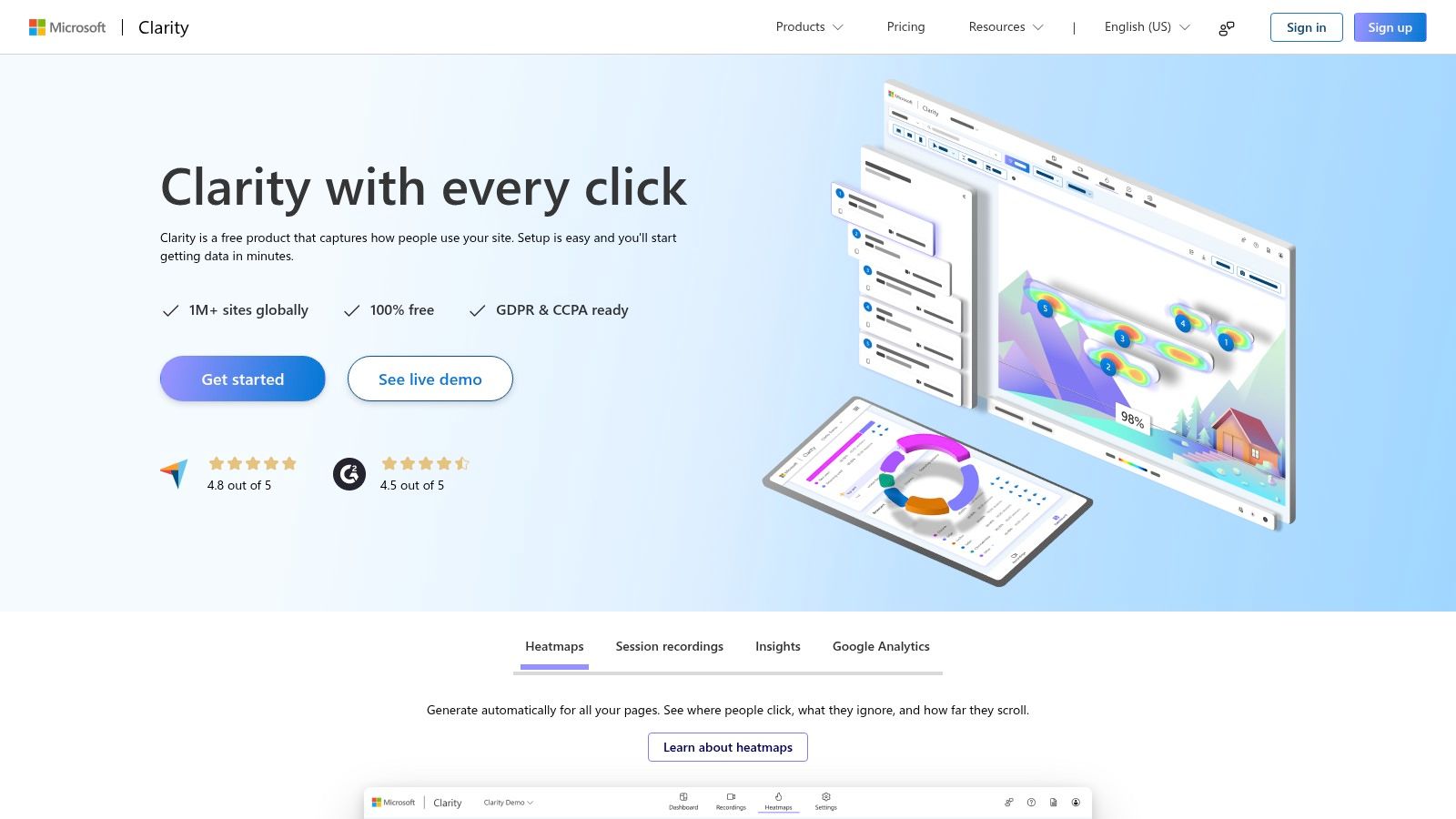
The platform is exceptionally easy to set up, often requiring just a single snippet of code. Its deep integration with Google Analytics allows you to connect qualitative session replays with your quantitative traffic data, providing a more complete picture of the user journey. While it doesn't offer the deep, event-based product analytics of its paid competitors, Clarity is one of the best user behavior analytics tools for teams needing to quickly identify UX issues and gain foundational behavioral insights without any budget.
Key Features & Considerations
- Unlimited Heatmaps & Recordings: Provides auto-generated click, scroll, and area heatmaps, plus unlimited session replays for all your pages.
- Frustration Signals: Automatically flags user sessions with "rage clicks," "dead clicks," and "excessive scrolling" to pinpoint UX problems.
- Google Analytics Integration: Seamlessly connects with Google Analytics to link recordings and heatmaps directly to your existing data.
Pros
- 100% free with no traffic limits or sampling.
- Extremely easy to set up and lightweight on site performance.
- Provides an excellent baseline for UX analysis and CRO.
Cons
- Lacks advanced product analytics and custom event tracking.
- Does not include A/B testing or feature flagging capabilities.
- Less suitable for complex, data-driven product teams.
Website: https://clarity.microsoft.com
10. Google Analytics 4 (GA4)
Google Analytics 4 (GA4) is the latest evolution of the world's most ubiquitous web analytics service, shifting from a session-based model to a more flexible, event-based framework. This change makes it one of the most fundamental user behavior analytics tools for businesses of all sizes, designed to measure user journeys across websites and apps. It provides a unified view of the customer lifecycle, focusing on events and user properties rather than just page views.
GA4 excels at integrating with the broader Google ecosystem, including Google Ads and BigQuery, allowing for powerful ad attribution analysis and unsampled data exploration. While the free version is robust, the enterprise-grade GA4 360 tier offers higher data limits, service-level agreements (SLAs), and more advanced features. The platform's "Explorations" hub allows users to build custom reports, such as funnels and path explorations, to dig deeper into user behavior without requiring a data science background.
Key Features & Considerations
- Event-Based Data Model: Tracks granular user interactions across websites and apps for a complete journey view.
- Deep Google Ecosystem Integration: Seamlessly connects with Google Ads, BigQuery, and Search Console for comprehensive marketing analysis.
- Advanced Reporting Hub: The "Explorations" feature provides powerful, template-driven tools for custom analysis and data visualization.
Pros
- Free version is powerful and widely adopted.
- Ubiquitous platform with vast free training resources.
- Strong integration with BigQuery for advanced analysis.
Cons
- Steep learning curve and complex UI compared to its predecessor, Universal Analytics.
- Data sampling and a 14-month user data retention limit on the free tier.
- GA4 360 is expensive and targeted at large enterprises.
Website: https://marketingplatform.google.com/analytics
11. Hotjar
Hotjar is the best known entry point to qualitative behavior analytics. It records sessions, builds click, move and scroll heatmaps, and runs on-page surveys and feedback widgets, so product and marketing teams can watch what users do on a page and ask them why in the same place. It is now part of Contentsquare, which gives larger teams a path to the enterprise platform above (entry 7) when they outgrow it.
Hotjar is not an event-based product analytics tool. It does not replace funnels and cohorts in Amplitude or Mixpanel; it sits next to them and explains the drop-offs those tools find. For small teams it is often the first user behavior analytics tool installed, because the free plan is enough to spot broken pages and confusing layouts within a day.
Key Features & Considerations
- Recordings and heatmaps: Session replay plus click, move, scroll and rage-click heatmaps on every page.
- Surveys and feedback: On-page surveys and a feedback widget to collect the reason behind a behavior.
- Simple setup: One script, no event plan, usable by non-technical teams on day one.
Pros
- Free plan with daily session limits is enough to start.
- Very easy to read for people who are not analysts.
- Clear upgrade path to Contentsquare for enterprise needs.
Cons
- No funnels, cohorts or event analytics; it is a complement, not a replacement.
- Session limits on the free and lower tiers fill up fast on busy sites.
- Less suited to logged-in B2B products with complex account structures.
Website: https://www.hotjar.com
12. Worknet
Worknet is the one tool on this list that is not a dashboard. It is an AI adoption agent that sits with every user inside your product (and inside the SaaS apps your employees use), answers questions with the user's account context, takes permitted actions, and brings in a person from your team when needed. The behavior data comes from the conversations themselves: where users get stuck, what they ask, which features they cannot find, and which accounts are ready to expand or at risk.
That makes Worknet an honest fit for one specific job: closing the gap between seeing a drop-off and doing something about it at the moment it happens. Amplitude or Mixpanel will show you that 40% of new admins abandon the integration setup step. Worknet is in the setup screen when they abandon it, asks what is wrong, fixes what it can, and files the pattern as a product signal. It does not replace an analytics suite, and it does not do funnels, retention charts or session replay. Teams that use it typically keep their analytics tool and feed the two into each other.
Key Features & Considerations
- Conversational insights: Learns where users get stuck from real in-app questions, not inferred from clicks.
- Acts, not just reports: Completes setup steps and resolves issues within the permissions you set, then escalates with context.
- Signals for the team: What it learns becomes expansion signals for sales, risk alerts for success and fixes for product.
Pros
- Covers the "why" at the exact moment of friction, inside the product.
- No tours or flows to build; nothing breaks when the UI changes.
- Works for customer-facing SaaS and for employee-facing IT rollouts.
Cons
- Not a quantitative analytics platform: no funnels, cohorts or heatmaps.
- Pricing is quote based.
- Most valuable once you already know which flows to focus on.
Website: https://www.worknet.ai/ai-adoption-agent
Comparison of the Best User Behavior Analytics Tools
One line per tool: what it does best, how it is priced, and who it suits.
- Amplitude: behavioral cohorts, funnels, session replay, A/B testing; generous free tier, usage-based pricing; SMBs to enterprise.
- Mixpanel: real-time event analytics, guided AI insights; free plan, event-based pricing; startups to scale-ups.
- Heap: autocapture, retroactive event creation, account-level analytics; free tier, pricing opaque above it; B2B teams and early validation.
- FullStory: high-fidelity session replay, heatmaps, AI assistant; free plan, sales-led pricing; enterprise teams.
- PostHog: product analytics, replay, feature flags, self-host option; generous free tier, usage-based; startups and developer-led teams.
- Pendo: behavior analytics plus in-app guides and journey orchestration; MAU-based, typically higher priced; large organizations.
- Contentsquare: journey analysis, zone heatmaps, AI insights; sales-led, enterprise-level; enterprise teams, migration path for Hotjar users.
- Glassbox: session replay and journey analytics for regulated industries; custom pricing; flexible cloud, hybrid or on-premises deployment.
- Microsoft Clarity: unlimited replays and heatmaps, Google Analytics integration; completely free; basic UX analysis.
- Google Analytics 4: event tracking, BigQuery export, ad integrations; free GA4, expensive GA4 360; general web and app analytics.
- Hotjar: session recordings, heatmaps, surveys; free plan with session limits; small teams and marketing sites.
- Worknet: AI adoption agent inside the product; conversational insights, actions and team hand-offs rather than dashboards; quote based; SaaS companies and IT teams that want to act on friction as it happens.
Choosing the Right User Behavior Analytics Tool
Navigating the landscape of user behavior analytics tools can feel overwhelming, but the journey from raw data to actionable insight is a transformative one for any digital business. The key takeaway is that no single tool is universally superior; the "best" platform is the one that aligns with your specific objectives, budget, and team resources.
From the deep, event-based product analytics of Amplitude and Mixpanel to the codeless, retroactive data capture offered by Heap, the options are vast. For those focused on qualitative insights, session replay tools like FullStory and Microsoft Clarity provide an unparalleled "over-the-shoulder" view of the user experience. Meanwhile, open-source solutions like PostHog offer flexibility and control for engineering-centric teams.
A Practical Framework for Your Selection
Before committing to a platform, it is crucial to move beyond feature lists and assess your organization's readiness and strategic focus. Answering these questions will guide you to the most effective solution:
- What is your primary goal? Are you trying to improve conversion funnels (Mixpanel, GA4), reduce user friction (FullStory, Glassbox), or understand feature adoption (Pendo, Amplitude)? Define your core business question first.
- What are your technical resources? Do you have dedicated developers to implement and manage complex tracking plans, or do you need a low-code or no-code solution like Heap or Microsoft Clarity that your marketing and product teams can manage independently?
- How will you bridge insight to action? Data is only valuable when it drives improvement. Your chosen tool should not just tell you what is happening but also empower you to act. Consider how you will connect analytics findings to your product roadmap, A/B testing efforts, and user support initiatives.
- What is your budget and expected ROI? While free tools offer a great starting point, enterprise platforms provide advanced security, support, and segmentation. Evaluate the total cost of ownership, including implementation and training, against the potential revenue lift from improved retention and conversion.
Ultimately, the goal of implementing any of these user behavior analytics tools is to build a more intuitive, valuable, and user-centric product. The data you collect is a direct line to your users' needs, frustrations, and successes. By selecting a tool that fits your workflow and empowers your team to act decisively, you can transform user behavior insights into a powerful engine for sustainable growth.
Ready to turn analytics insights into action? The tools above show you where users struggle. Worknet meets them at that exact moment inside the product, answers with their account context, fixes what it can, and sends the pattern back to your team as a signal. If you want to see it next to your current analytics stack, book a demo.
What is Worknet?
Worknet is an AI adoption agent for the software your customers use and the software your employees use. It sits with every user inside the app, offering proactive support and onboarding. It answers with context, acts on the user's behalf within the permissions you set, and brings in the right person from your team when needed. For SaaS companies, what it learns becomes expansion signals for sales, risk alerts for success, and fixes for product. For IT, it rolls out across the apps you buy with no vendor changes and shows where employees get stuck. An AI-native alternative to Pendo, WalkMe and Appcues.
FAQ's
Frequently Asked Questions
What are user behavior analytics tools?
User behavior analytics tools record and analyze what people do inside a website or product: which features they use, where they drop out of a flow, how often they return, and where they show signs of friction such as rage clicks. They go beyond page views to answer why users convert, stick or churn.
Which user behavior analytics tool is best for a B2B SaaS product?
For event-based product analytics with account-level views, Amplitude, Mixpanel and Heap are the usual shortlist. Add FullStory or Microsoft Clarity if you want session replay, and PostHog if your engineers want to self-host. Pick based on your main question: conversion funnels, feature adoption or friction diagnosis.
Are there free user behavior analytics tools?
Yes. Microsoft Clarity is completely free with unlimited sessions, Google Analytics 4 is free for most teams, and Amplitude, Mixpanel, Heap, PostHog, FullStory and Hotjar all have free tiers with limits on events, sessions or history.
What is the difference between product analytics and session replay?
Product analytics (Amplitude, Mixpanel, Heap) counts events and builds funnels, cohorts and retention charts across all users. Session replay (FullStory, Hotjar, Clarity) shows you individual sessions so you can watch what happened. Most teams use one of each: the numbers tell you where to look, the replays tell you what went wrong.
How does Worknet fit with user behavior analytics tools?
Worknet is an AI adoption agent, not an analytics dashboard. It sits with users inside the product, answers their questions with account context, takes permitted actions and brings in your team when needed. It learns where users get stuck from the conversations themselves and turns that into signals for sales, success and product. Teams keep their analytics tool for the numbers and use Worknet to act on the friction those numbers reveal, at the moment it happens.
.png)


